How to adjust HDMI Deep Color for better TV image quality
Many Smart TV users miss out on HDR potential due to a disabled HDMI Deep Color setting. Learn how to check your device settings for a better viewing experience.
 💡Tech
Photo: UNIAN
Key points
- HDMI Deep Color increases color depth to 10-12 bits.
- The setting often needs manual activation for each specific port.
- Feature names vary by manufacturer, such as 'Enhanced format' or 'UHD Color'.
Why your TV might be displaying dull images
Even if your television supports HDR, it does not guarantee that you are seeing the best possible image quality. Often, the reason for dull colors or poor transition between shades is that the HDMI Deep Color feature is disabled in the settings. This technology enables the transmission of 10 or 12-bit color depth instead of the standard 8-bit, resulting in significantly more realistic and detailed visuals.
How to activate the hidden feature
The HDMI Deep Color standard has been available since 2006, meaning it is compatible with most modern devices. While it should activate automatically when connecting gaming consoles or streaming boxes, users sometimes need to enable it manually. The naming of this feature varies by manufacturer:
- Samsung: HDMI UHD Color or "Input Signal Plus".
- LG: HDMI Deep Color or Ultra HD Deep Color.
- Sony and others: "Enhanced format".
If you notice that 4K movies or games look washed out, it is essential to check the settings for each HDMI port you use. Enabling this option expands the display's color gamut from millions to billions of shades, ensuring unprecedented brightness and color accuracy.
Source UNIAN — unian.ua/techno/gadgets/shcho-take-hdmi-deep-color-i-chomu-cyu-funk… ↗
Read next
 🏙️City
The Continuity of Struggle: How UPA History Influences the Modern Ukrainian Army
The history of three generations of the Symchych family and the commemoration of Yevhen Konovalets serve as a symbol of the unbreakable bond between the liberation strugg…
 🏛️Politics
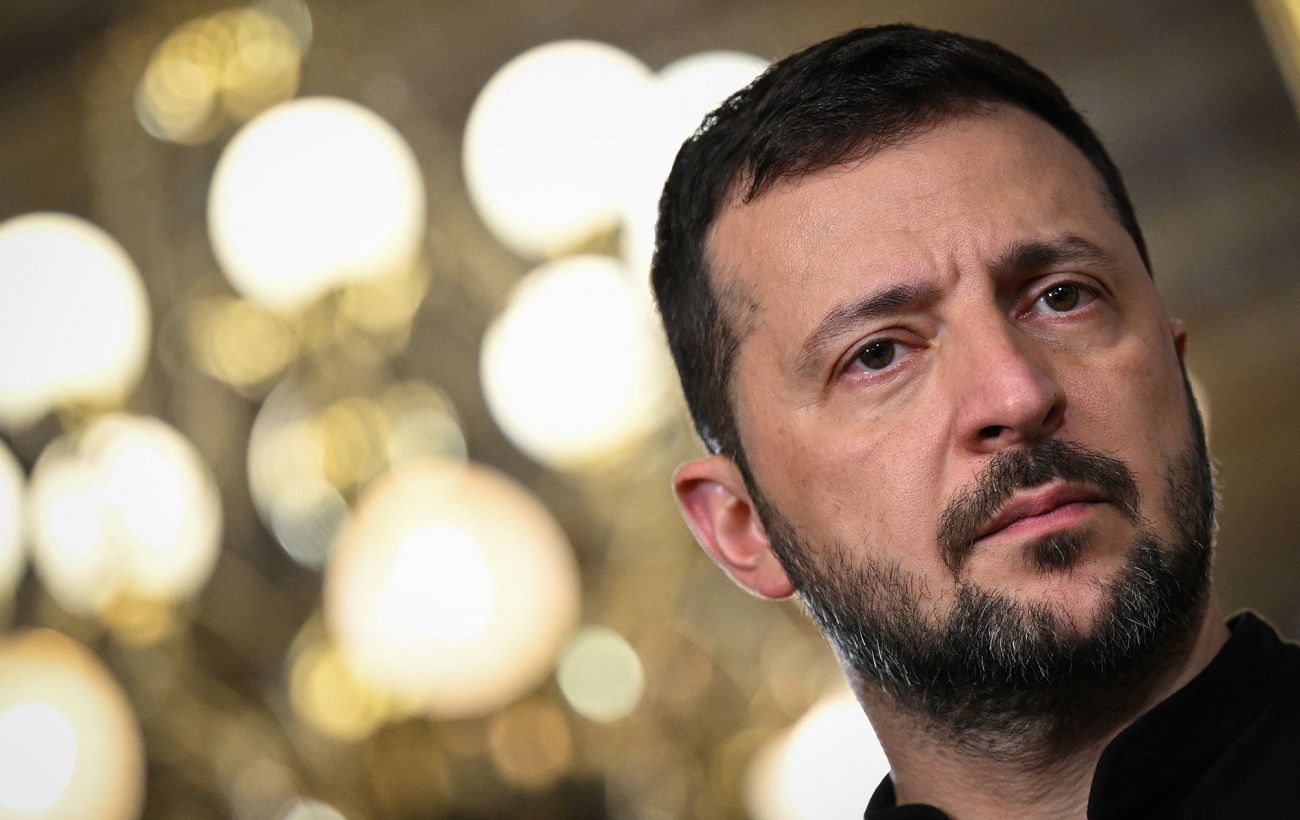
Zelenskyy on security guarantees: Ukraine aims for NATO membership, not temporary deals
The President of Ukraine emphasized that security guarantees modeled after NATO's Article 5 are not a sufficient substitute for full membership in the Alliance.
 🏙️City
Dampness in Kremenchuk apartments: using foil to identify the cause of mold
With the onset of cold weather, residents of Kremenchuk often face moisture on walls. A simple home test with foil can help determine if the cause is condensation or exte…
 💼Economy
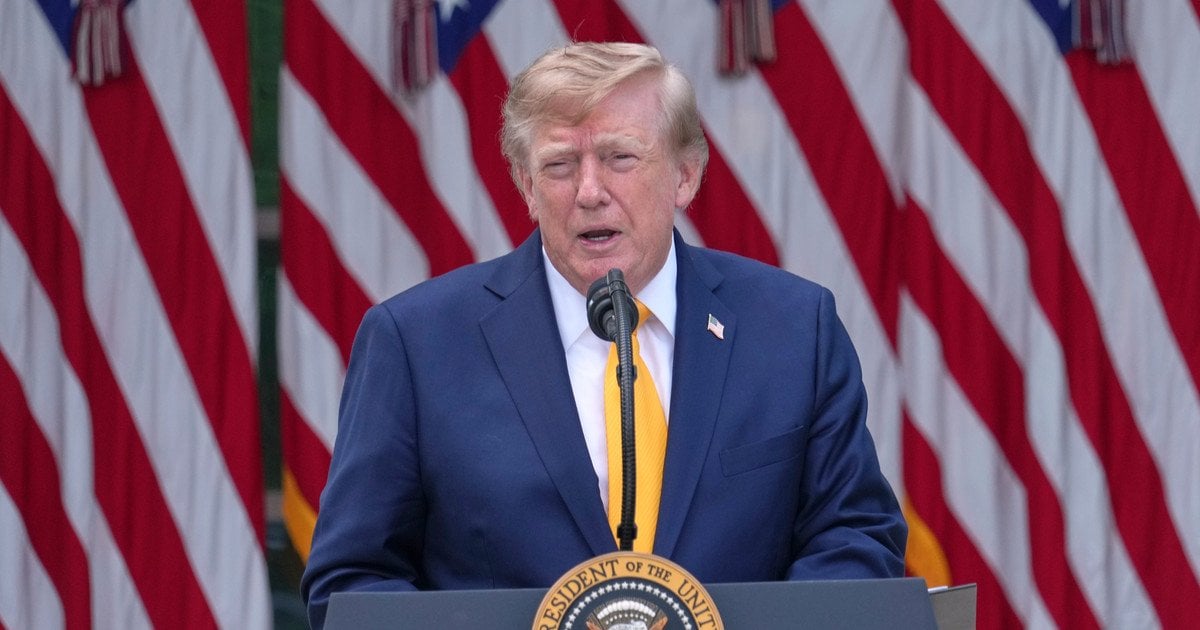
US Administration Prepares to Expand Humanitarian Agreements Between Ukraine and Russia
The White House is working to scale up the successful evacuation experience from southern Ukraine, aiming for broader ceasefire initiatives.
 🩺Health
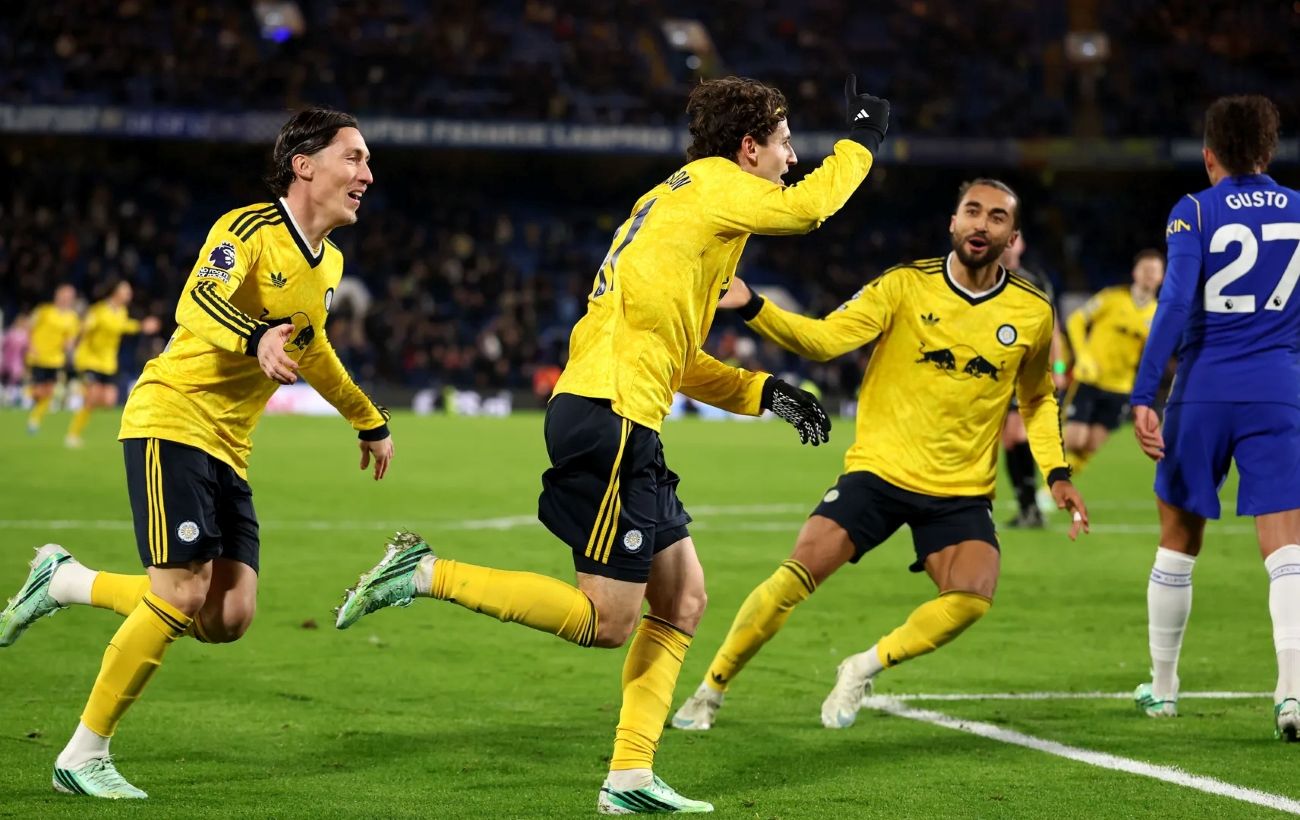
Premier League Matchday 11: Chelsea's heavy defeat and dramatic finishes
The latest round of the English Premier League saw high-scoring encounters and a major upset for Chelsea.
 🛡️Security
American company Vector unveils long-range Bombard drone
Vector has introduced the Bombard, a new long-range strike drone designed with insights from the ongoing conflict in Ukraine.