What the Exclamation Mark Next to Wi-Fi Means on Android
An exclamation mark next to the Wi-Fi icon on an Android device indicates that while the device is connected to a router, it has no actual internet access.
 💡Tech
Photo: UNIAN
Key points
- Exclamation mark signals no internet access
- Test other devices to isolate the problem
- Router resets often fix the connectivity issue
- Public networks may require browser-based authorization
Android users may occasionally notice a small exclamation mark appearing next to the Wi-Fi status icon. This system indicator serves to inform the user that although the device has successfully established a connection with a wireless access point, it is not receiving data from the service provider.
How to troubleshoot the issue
To determine the source of the problem, try connecting another device to the same network. If the internet is unavailable on all devices, the issue is likely with the router or the internet service provider. In such cases, restarting the router or contacting technical support is the recommended course of action.
If the issue is isolated to your smartphone, consider these troubleshooting steps:
- Toggle 'Airplane Mode' on and off to reset the radio modules.
- Forget the Wi-Fi network in settings and reconnect by re-entering the password.
- Check for Android system updates, as they often contain patches for connectivity bugs.
It is also important to note that when using public Wi-Fi networks, this icon often appears to signal that a web-based login or authorization is required. Simply tap the notification that appears to open the login page and gain internet access.
Source UNIAN — unian.ua/techno/communications/wi-fi-zi-znakom-okliku-na-android-sh… ↗
Read next
 🛡️Security
Consequences of drone attack in Kyiv: one killed, four injured
The capital city suffered from falling debris of enemy drones, resulting in casualties and damage across three districts.
 🏙️City
From Kamianske to Poltava: The Career Path and Public Resonance of Taras Pasarenko
An analytical overview of Poltava's deputy mayor and utility head Taras Pasarenko, covering his appointment without a tender, road repairs, and ongoing scrutiny.
 🇺🇦Ukraine
Sanctions Policy: Divergences Between the EU and the US Create New Challenges for Ukraine
Analysts highlight differing approaches to anti-Russian sanctions between the European Union and the United States amid political shifts in Washington.
 🚨Events
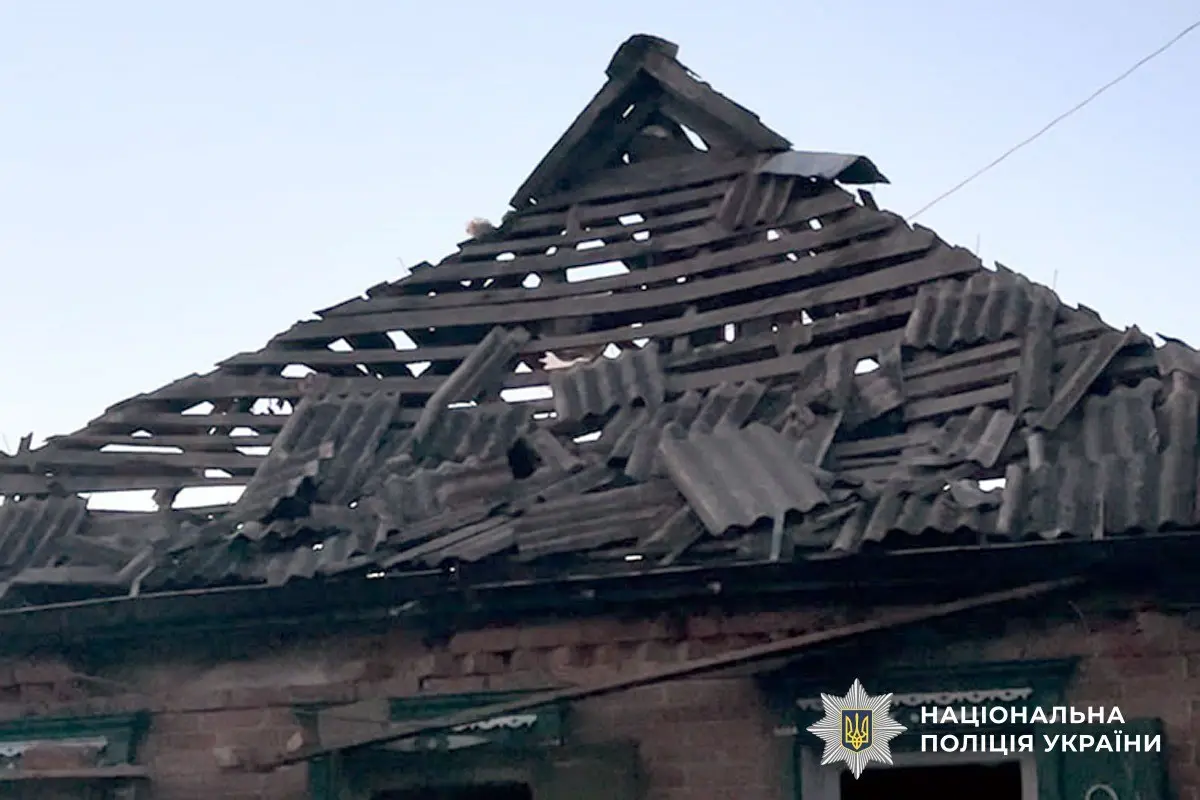
Consequences of the enemy strike on the Myrhorod region: law enforcement documenting war crimes
Security services and police are documenting the aftermath of a drone attack on the Myrhorod community, which left six civilians injured.
 🚨Events
Historical Sky Mystery: When a Boeing 747 Crew Encountered an Anomaly Over Alaska
In November 1986, a Japanese cargo airliner was shadowed by unidentified flying objects over Alaska. Despite experienced pilots and radar traces, the official investigati…
 👥Society
Ukrposhta introduces benefits for veterans: discounts on shipping and medicines
The national postal operator has launched a support program for combatants and veterans via the 'Zakhyst+' application.